DataPix WiFi LED Display — Hardware & Technical Reference
What's inside the box, what it can hold, and what it talks to.
Device
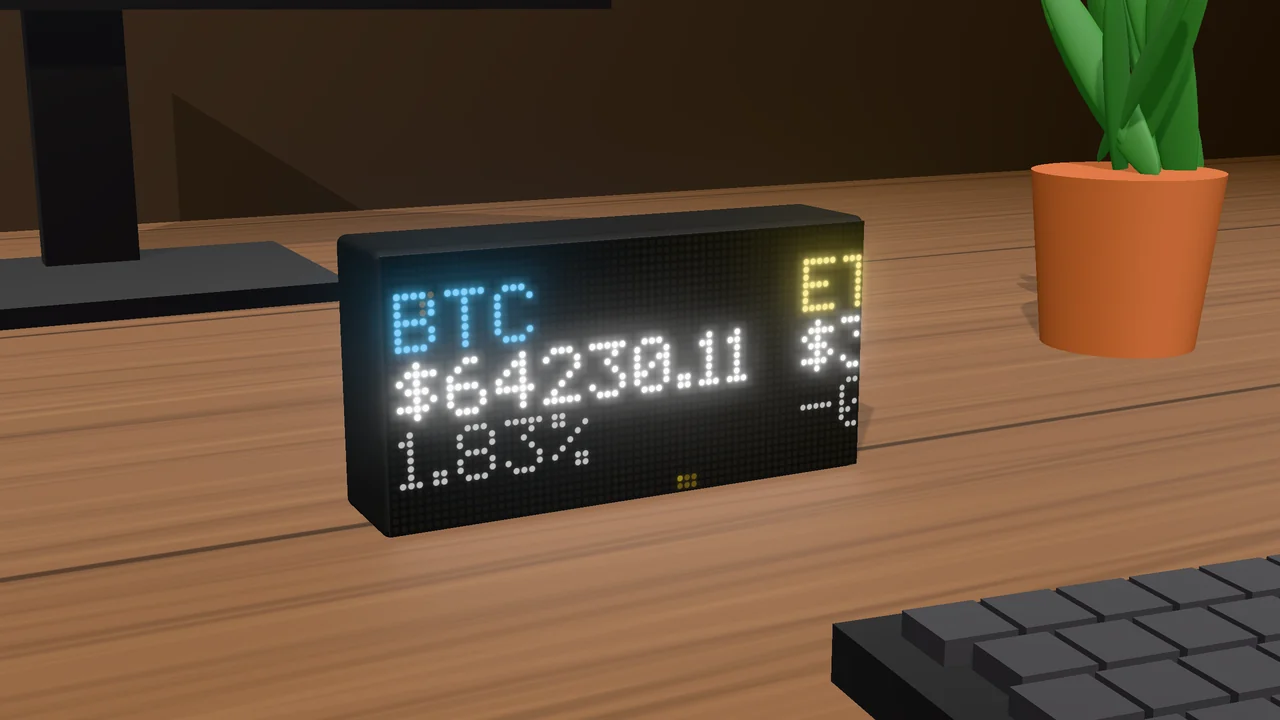
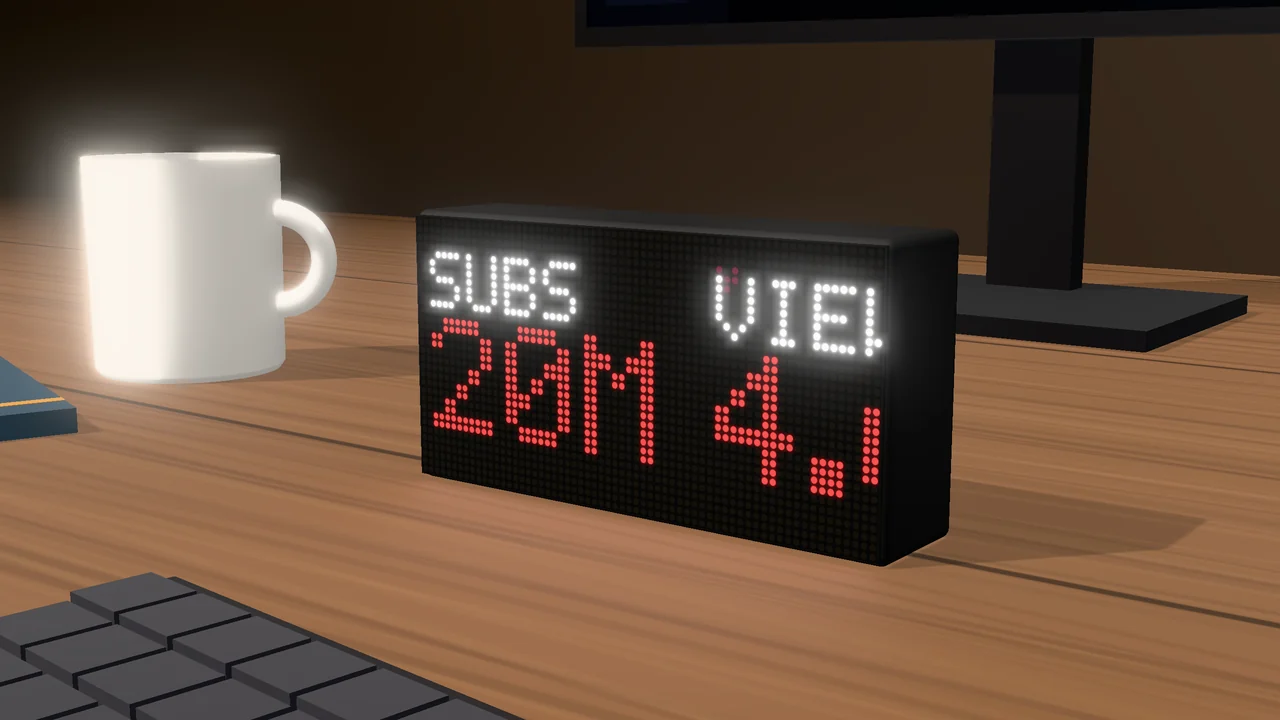
- Size
- 164 × 84 × 38 mm (W × H × D)
- Body
- Black, 3D-printed, flat base — stands on a desk or shelf
- Front
- The LED panel across the whole front
- Power
- USB-C, centred on the back
Controller
- MCU
- ESP32-S3-WROOM-1 (module
esp32-s3-devkitc-1) - Flash
- 16 MB (quad)
- PSRAM
- 8 MB (octal)
- USB
- onboard CH343 USB-UART bridge for flashing and serial (115200 baud)
- Web server
- HTTP on port 80; the setup page is built into the firmware
Panel
- Type
- HUB75 RGB LED matrix
- Resolution
- 64×32 LEDs; 1/16 scan
- Driver chip
- FM6126A
- Refresh
- ~120 Hz, double-buffered
- Gamma
- 2.2 (per-panel calibration, set at build time)
Limits
| Thing | Limit |
|---|---|
| Views | 30 |
| Values per view | 64 |
| Custom data sources | 8 |
| Headers per data source | 8 |
| Minimum refresh | 10 seconds |
| Answer size: custom source / calendar & RSS / app stat | 8 KB / 24 KB / 64 KB |
| Connected sign-ins | 16 |
| Saved app keys | 24 |
| Your own icons | 24, up to 32×32 each |
| Animation frames per view (painted, scene, effect or GIF) | 180 |
Network & privacy
- The setup page is served by the device over your network, on plain HTTP.
- No login — anyone on your network can open it, or send the panel
a message (
/rest/notify). - No cloud, no account. The device only contacts the services you set
up (including your MQTT broker, if you add one), a time server, and
datapix.storeto check for firmware updates. - Keys and sign-ins stay on the device. Once a sign-in is saved, the device renews and uses it itself and never sends it back to a browser; exported views never contain keys or sign-ins.
- No
.localname: reach the device by the IP address shown on the panel.