Guides → WiFi LED Weather Forecast Display
WiFi LED Weather Forecast Display
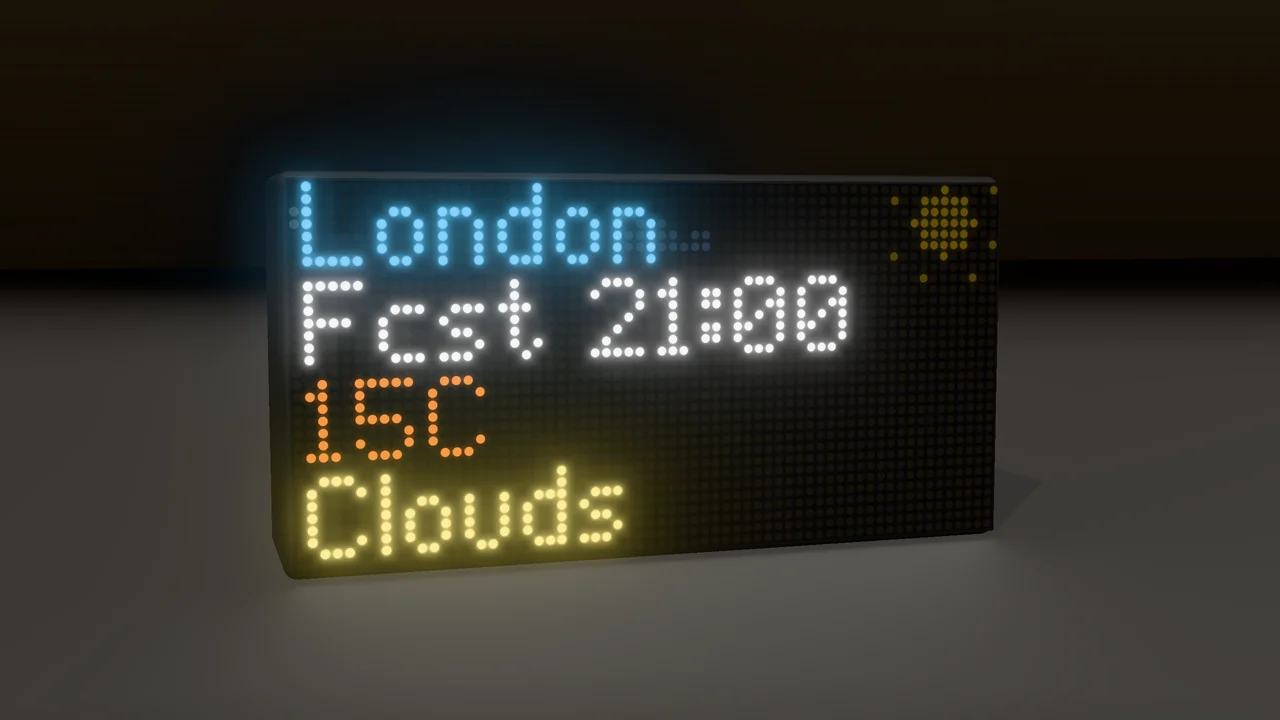
Show what the weather will be, not just what it is — forecast temperature and conditions for any city, 3 to 24 hours ahead.
What you need
- A DataPix, powered on and joined to your WiFi (see Setup).
- A free OpenWeatherMap key — the same one Weather uses.
Step by step
-
Open the setup page
From a browser on the same network, open the address shown on the panel.

-
Add a View → Weather Forecast (OpenWeatherMap)
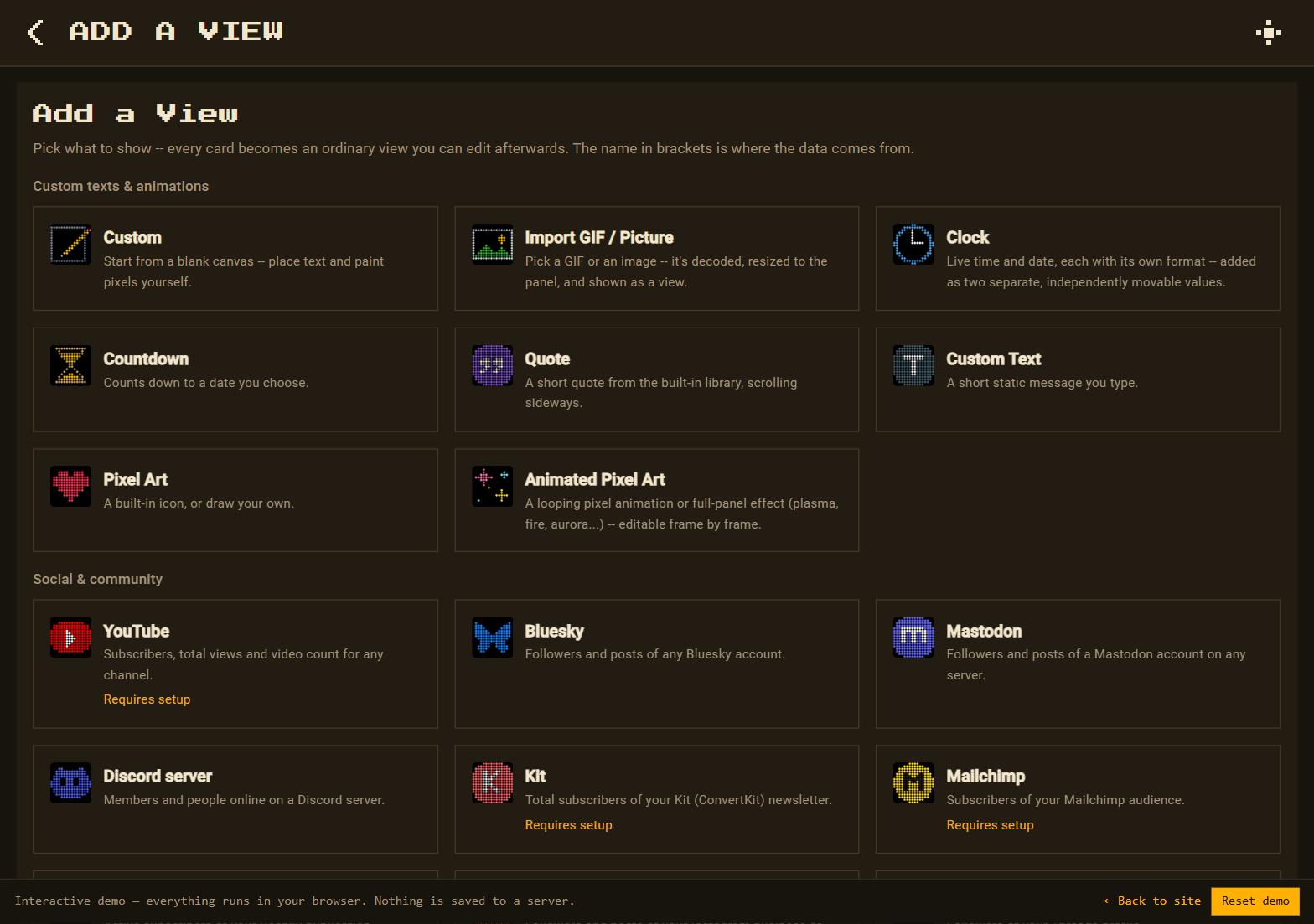
Go to Views → New view. On the Add a View page, under Weather & nature, pick Weather Forecast (OpenWeatherMap).
-
Key, city and how far ahead
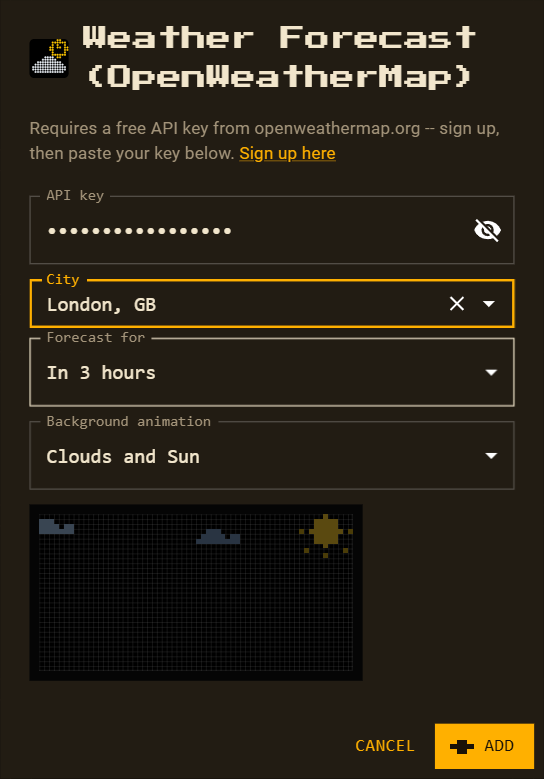
Paste your key (or keep the remembered one), pick the city, and choose Forecast for: in 3 hours up to in 24 hours. DataPix remembers the key for next time; change it later in Accounts & API keys.
-
Background animation
The view starts with Clouds and Sun along the top edge. Pick any other scene, background, pattern or effect, or None — the preview plays right in the dialog.
-
Arrange and save
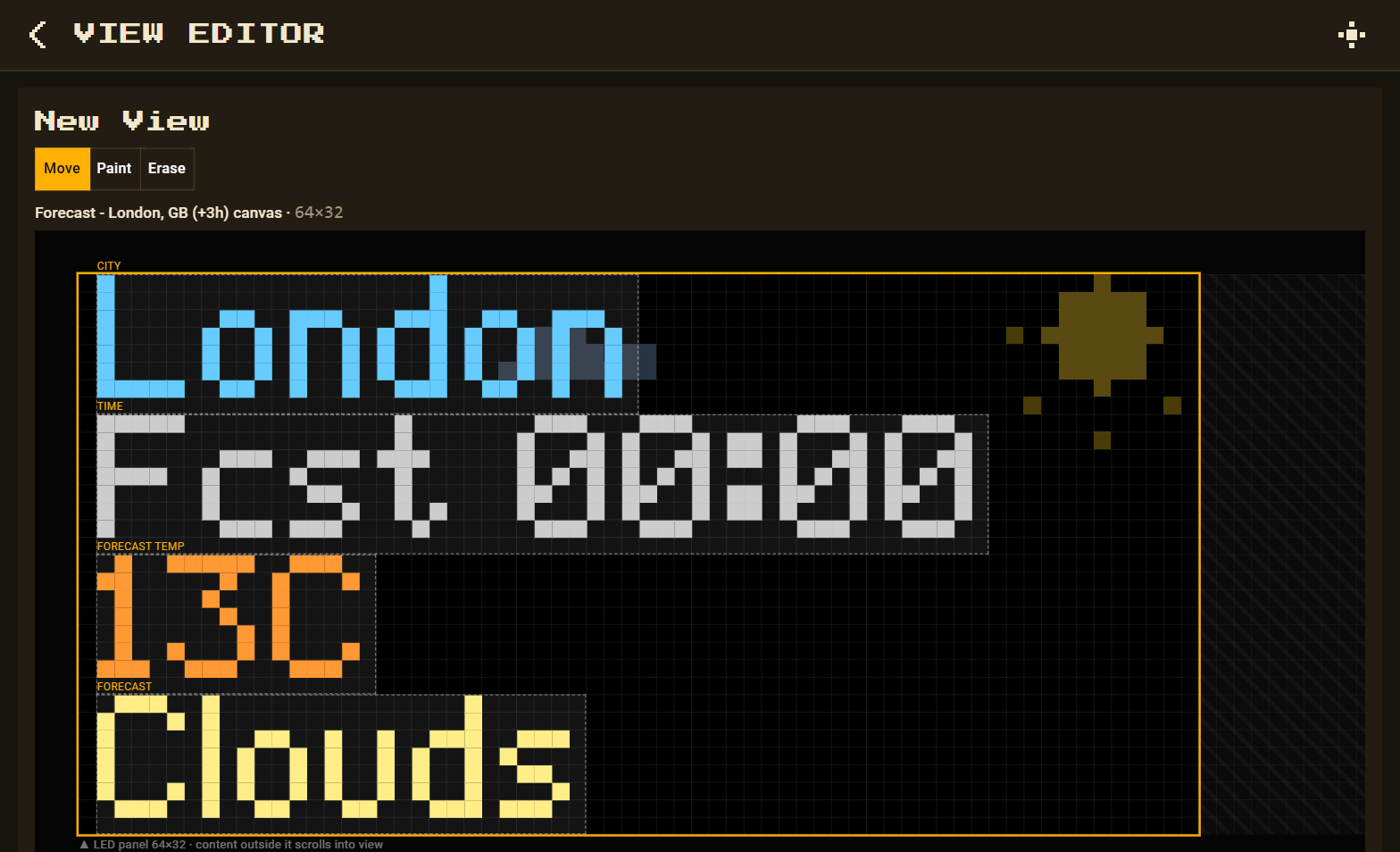
Press Add: city, forecast time (
Fcst 18:00), temperature and condition arrive as separate values. Save.