Guides → WiFi LED Temperature & Humidity Display
WiFi LED Temperature & Humidity Display
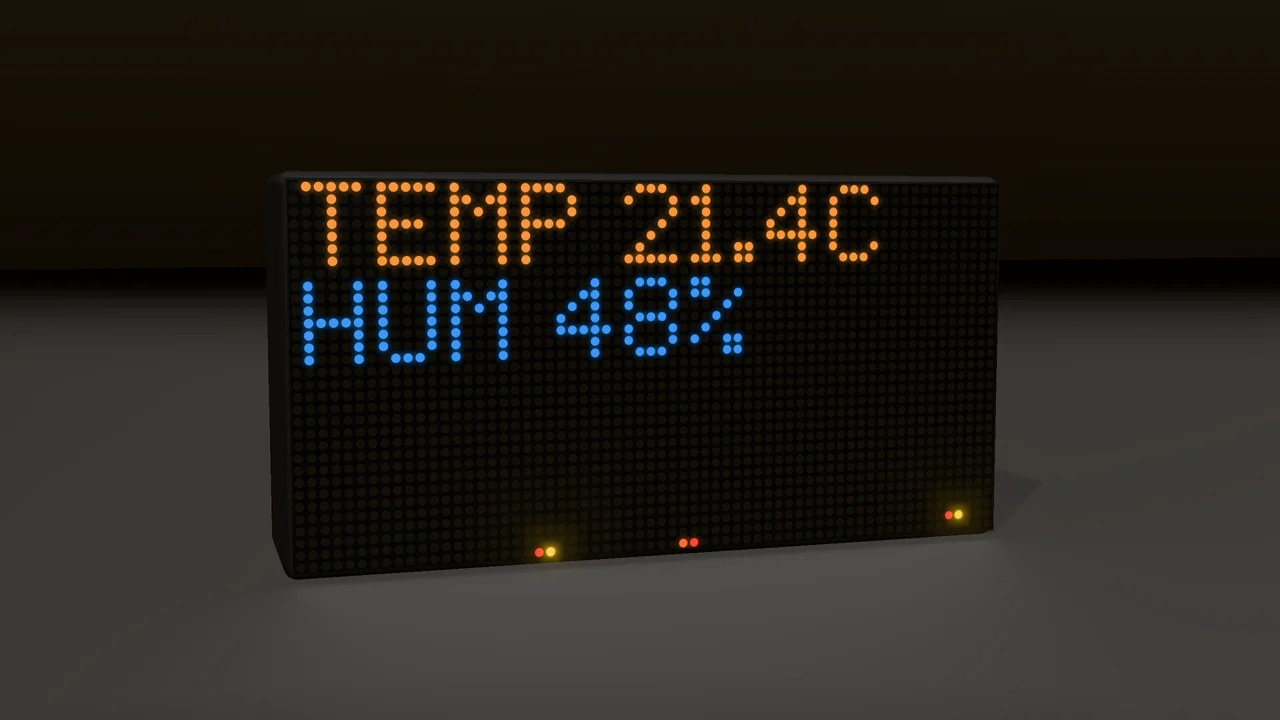
Coming in a future update DataPix will read an on-board temperature and humidity sensor — no internet, no API, just a local reading. Until then, show your room's temperature from Home Assistant or a Shelly device, or the outside weather with Weather (Open-Meteo).
What you need
- A DataPix with the sensor, once the update is out. We'll announce it in a firmware update.
Step by step
-
When it arrives
Install the firmware update (see Firmware Updates). The Temperature & Humidity card then appears under Custom texts & animations on the Add a View page.
-
Add it
Pick it, keep or change its Fire Flicker background, and press Add. Temperature and humidity are two separate values you can move and recolour.