Guides → WiFi LED Sports Scoreboard
WiFi LED Sports Scoreboard
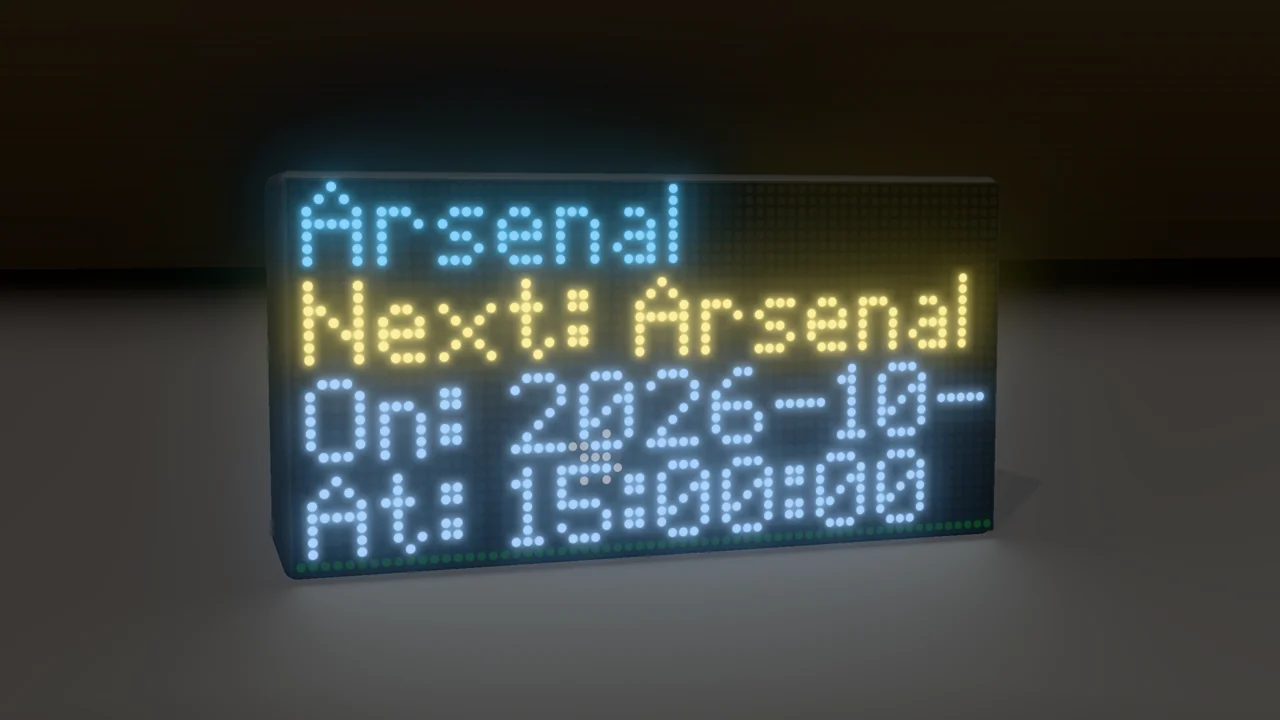
Follow your team from across the room — the next fixture, a live status, the last game, a league table, or every game on a day. Works out of the box: no sign-up needed.
What you need
- A DataPix, powered on and joined to your WiFi (see Setup).
- Nothing else — it comes with TheSportsDB's free test key. Paste your own for higher limits; DataPix remembers it.
Step by step
-
Open the setup page
From a browser on the same network, open the address shown on the panel.

-
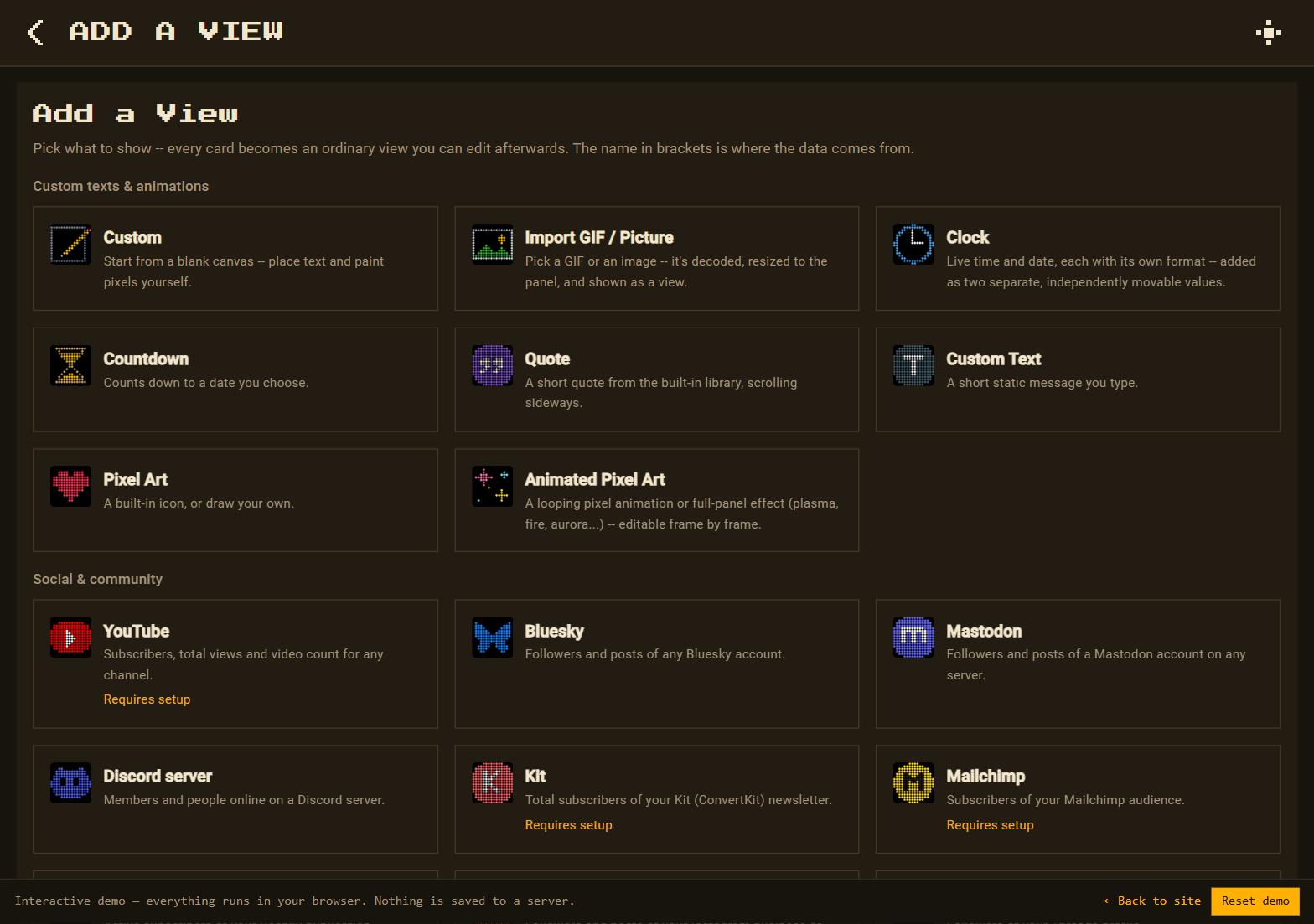
Add a View → Sports (TheSportsDB)
Go to Views → New view. On the Add a View page, under Gaming & sport, pick Sports (TheSportsDB).
-
Choose what to follow
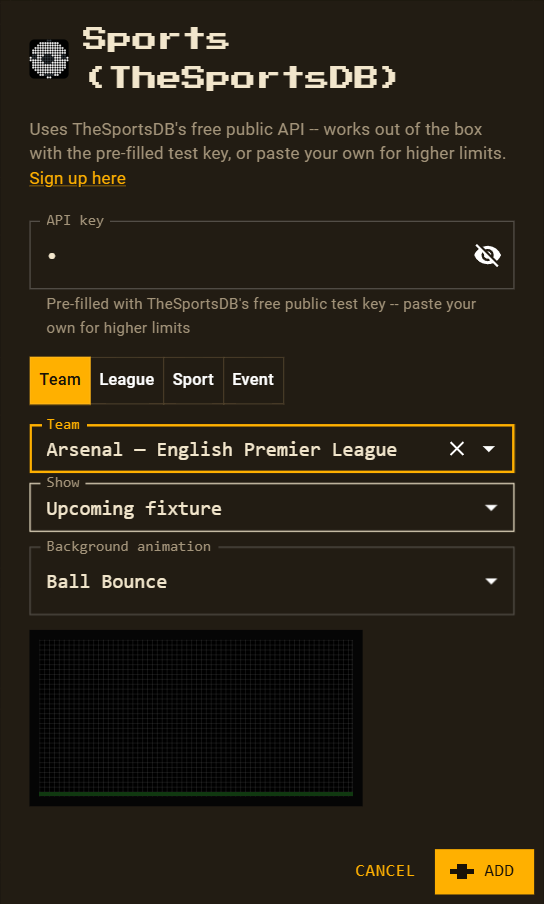
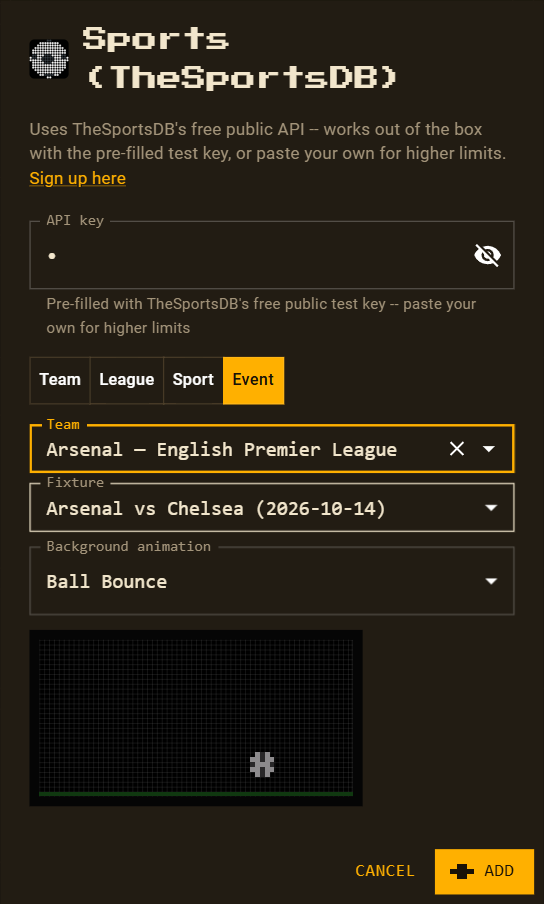
Pick a tab — Team, League, Sport or Event — and fill in its fields. Every combination is below.
-
Background animation
The view starts with Ball Bounce along the bottom. Pick any other scene, background, pattern or effect, or None — the preview plays right in the dialog.
-
Arrange and save
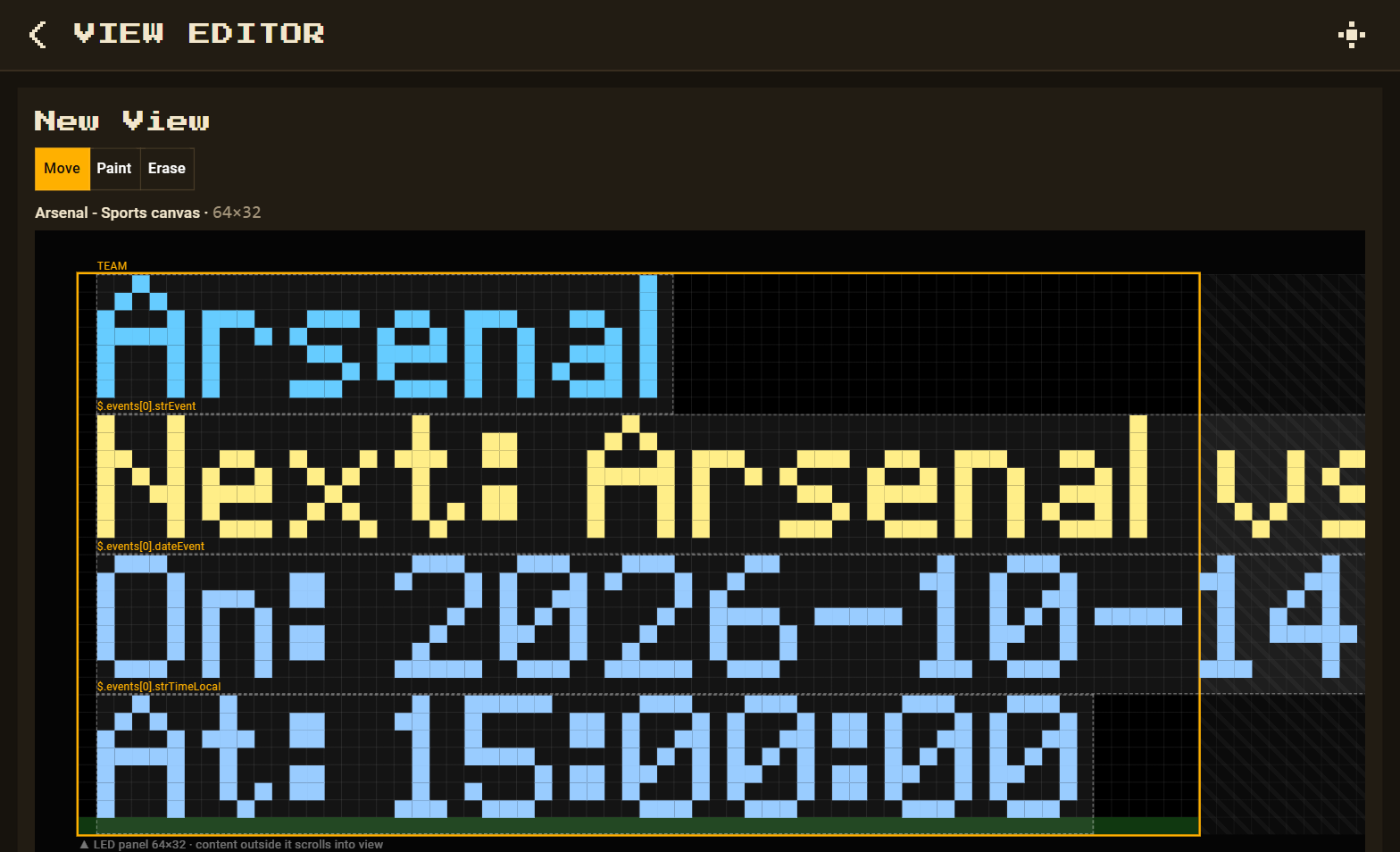
Press Add, rearrange or recolour anything, then Save.
Every kind of sports view
Team — follow one club
| Show | On the panel | Refreshes |
|---|---|---|
| Upcoming fixture | team, Next: Arsenal vs Chelsea, On: date, At: time | every 6 hours |
| Live status | team, Live: match, Status: code | every 6 hours |
| Previous result | team, Last: match with its date and time | every 5 minutes |
League — a whole competition
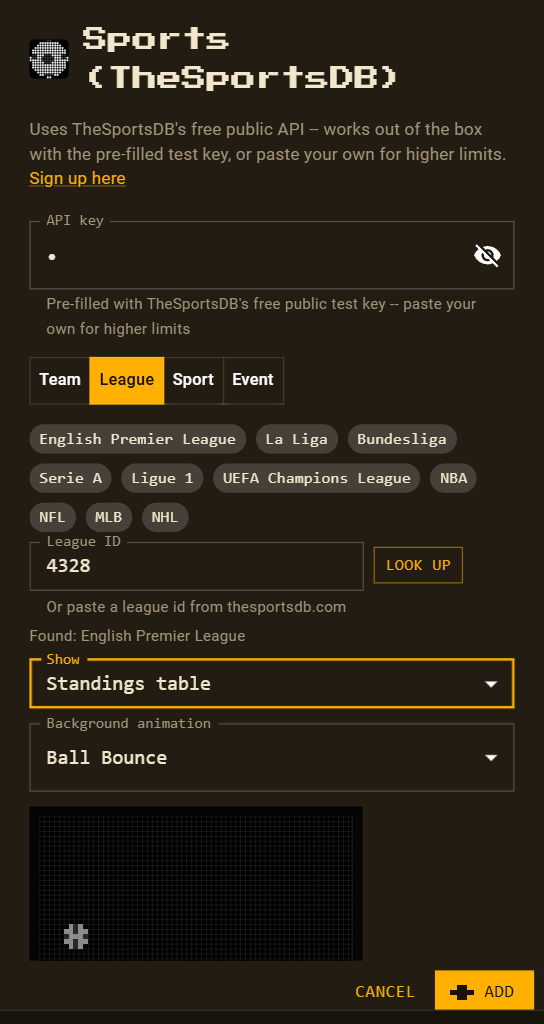
Tap a popular league — Premier League, La Liga, Bundesliga, Serie A, Ligue 1, Champions League, NBA, NFL, MLB, NHL — or paste any league ID and press Look up.
| Show | On the panel | Refreshes |
|---|---|---|
| Upcoming fixture | league and its next match | every 6 hours |
| Live status | league, current or next match and status | every 6 hours |
| Previous result | league and the latest match | every 5 minutes |
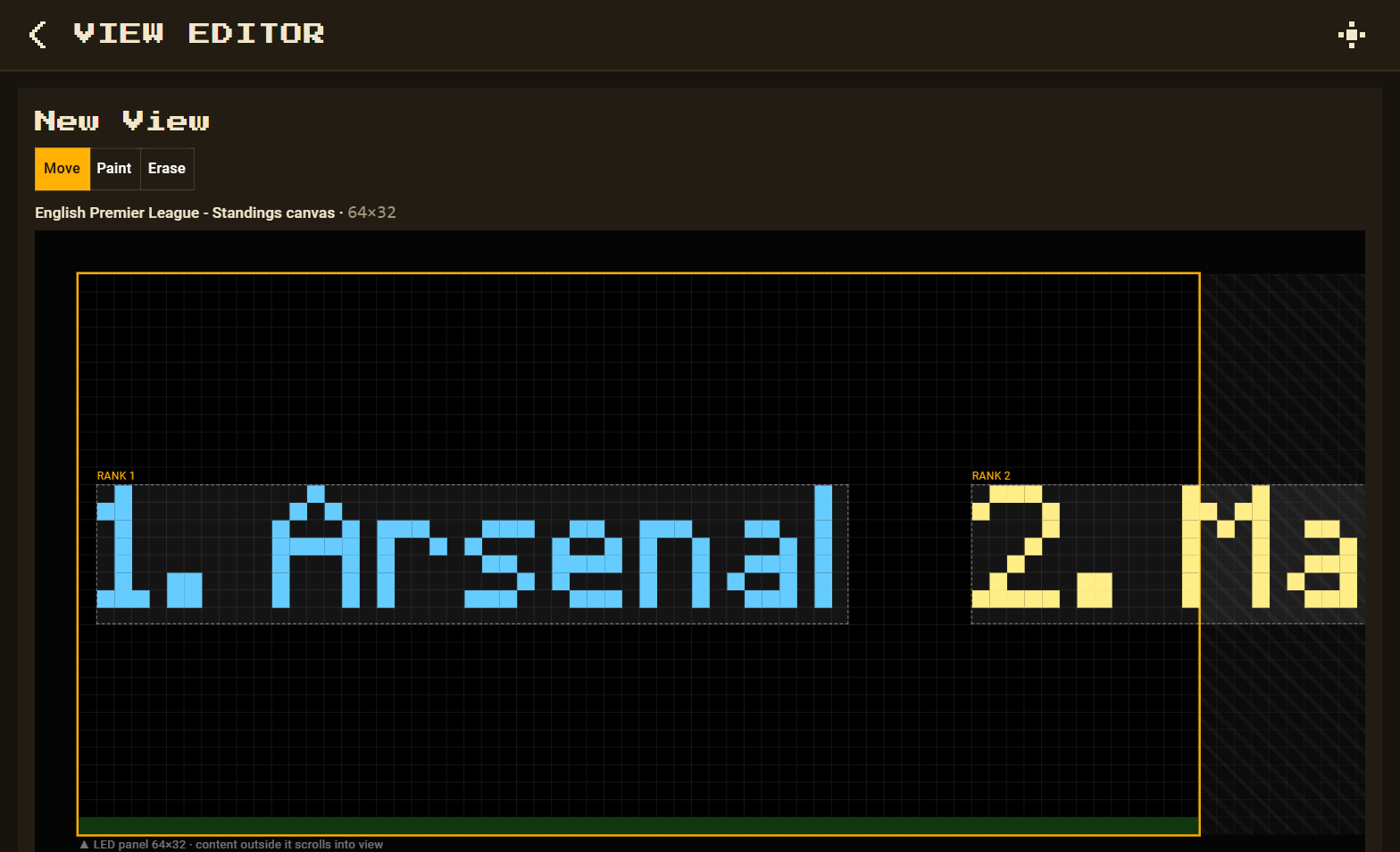
| Standings table | the table as one scrolling line: 1. Arsenal 2. Manchester City… | every 30 minutes |
Sport — every game on a day
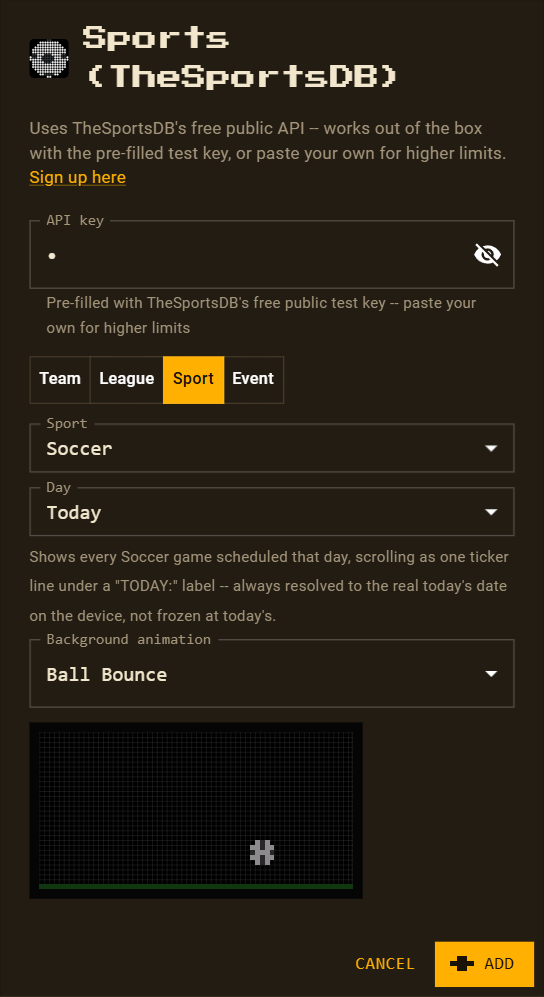
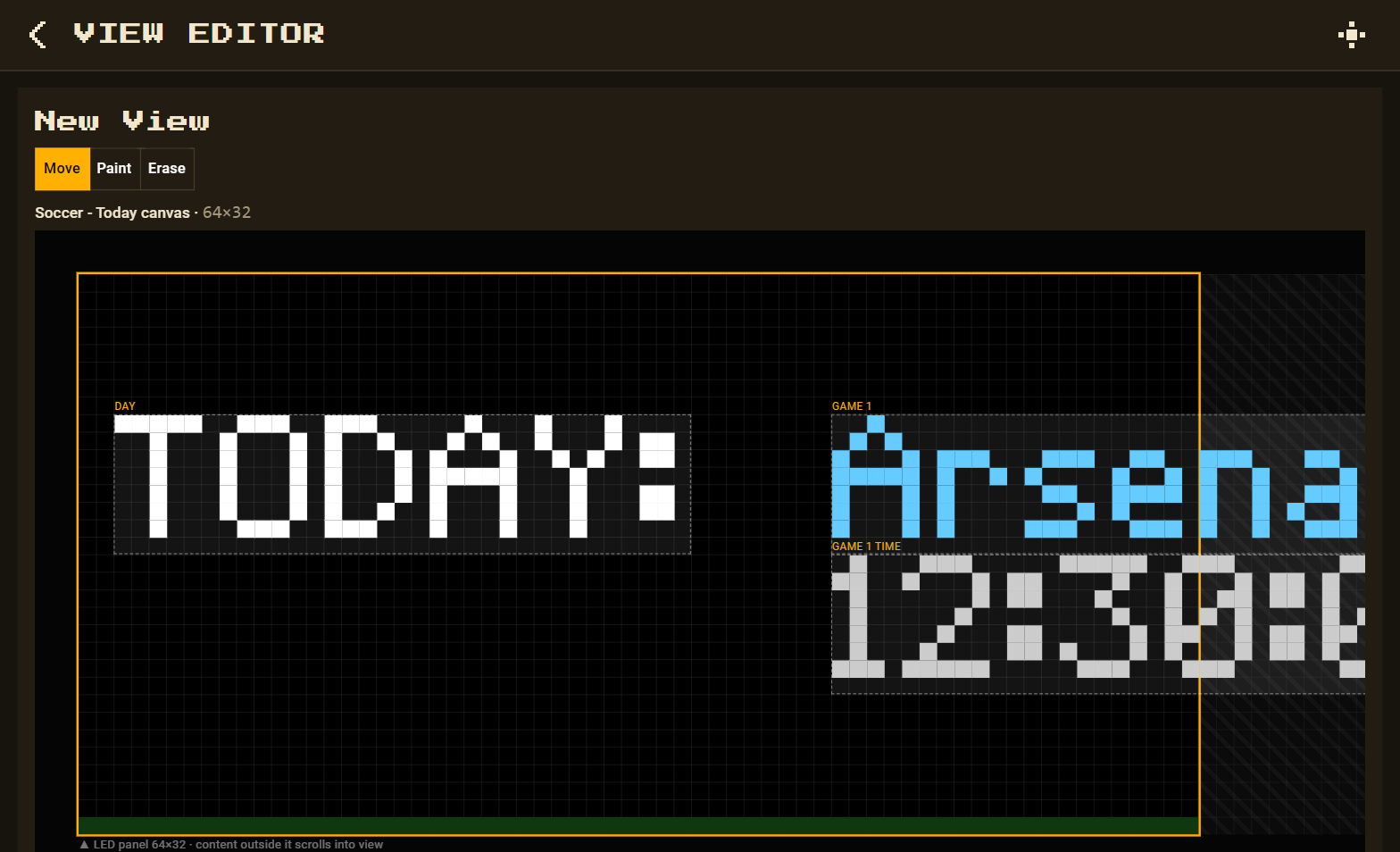
Pick a sport — Soccer, Basketball, American Football, Baseball, Ice Hockey or Rugby — and a day from Today up to 6 days ahead. Every game that day scrolls past with its kick-off time. The day is relative, so a “Tomorrow” view keeps showing tomorrow. Refreshes every 30 minutes.
Event — one pinned match
Search a team, then choose one of its fixtures. The view follows that match: teams, Status:,
On: and At:. Refreshes every 5 minutes.
Good to know
- These refresh times apply when the view's Refresh every (s) is 0; new views start at 60 seconds.
- Previous result shows which match was played and when — not the score.
Status:is TheSportsDB's short code, e.g.NS(not started),FT(full time).- With the free test key, a league table returns its top 5 teams.