Guides → WiFi LED News Ticker
WiFi LED News Ticker
The latest headlines from any news site, blog or podcast feed, rolling up the panel and refreshing on their own.

What you need
- A DataPix, powered on and joined to your WiFi (see Setup).
- An RSS or Atom feed address — or pick one of the built-in news feeds.
Step by step
-
Open the setup page
From a browser on the same network, open the address shown on the panel.

-
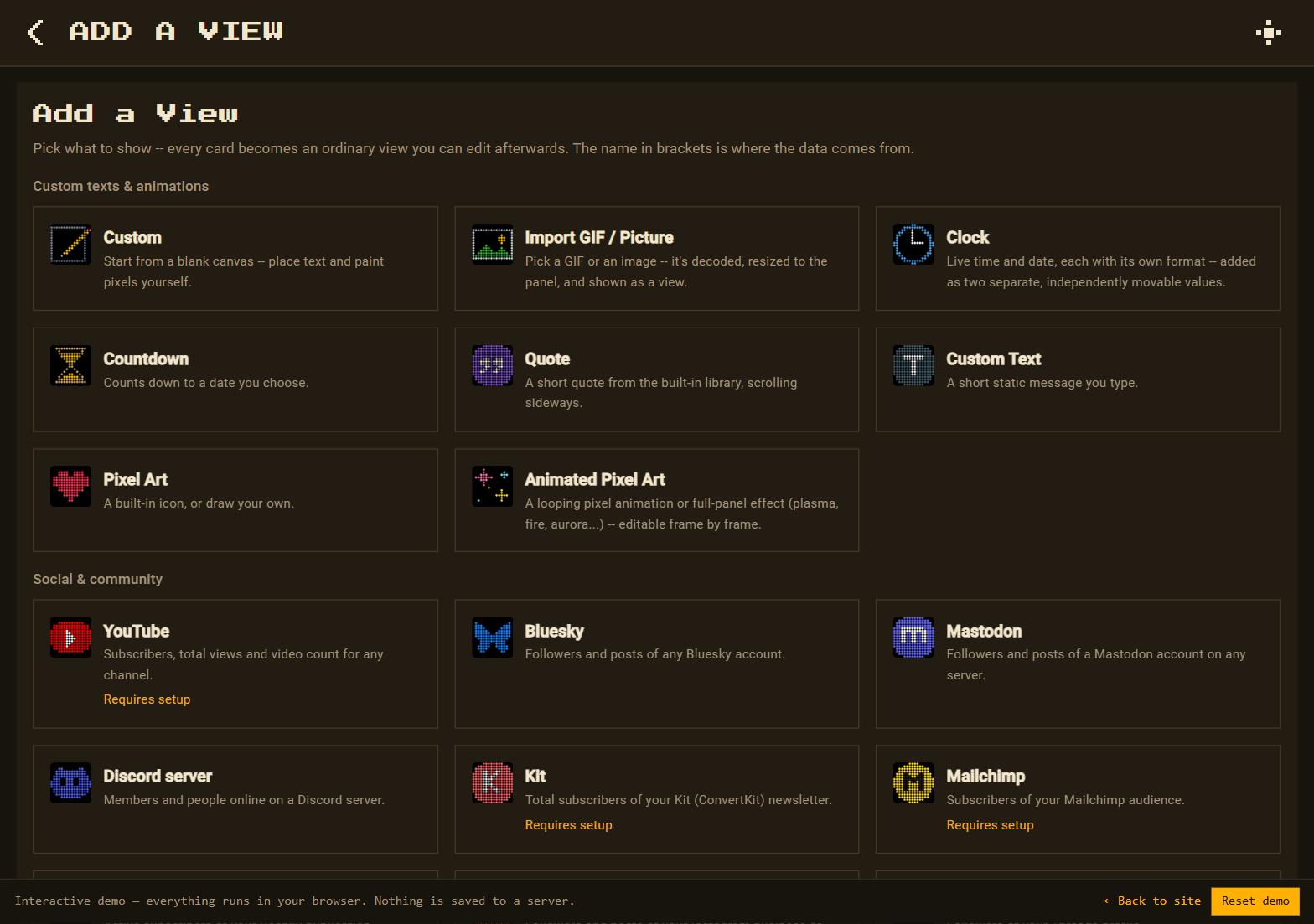
Add a View → RSS Headlines (RSS feed)
Go to Views → New view. On the Add a View page, under News & calendar, pick RSS Headlines (RSS feed).
-
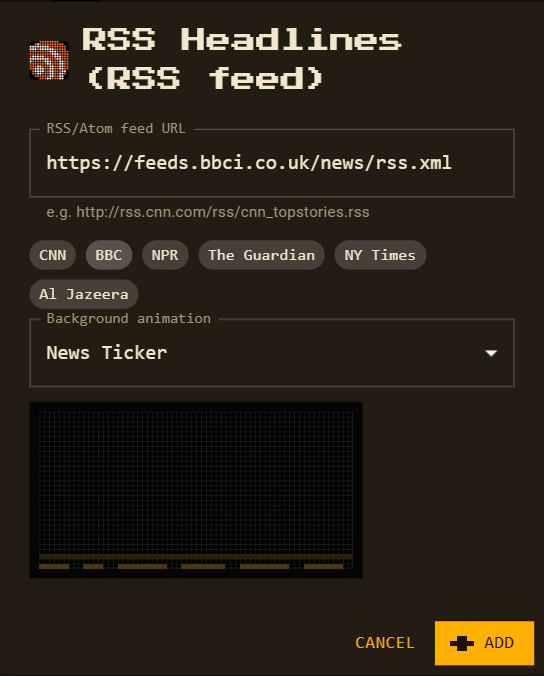
Choose a feed
Tap a popular feed — CNN, BBC, NPR, The Guardian, NY Times or Al Jazeera — or paste any feed address.
-
Background animation
The view starts with News Ticker along the bottom. Pick any other scene, background, pattern or effect, or None — the preview plays right in the dialog.
-
Arrange and save
Press Add. The feed's title sits on top and the headlines roll upward underneath. Saving also adds the feed to your data sources.

Good to know
- The view starts in Scroll up: each headline wraps between words and the list rolls upward; the view waits for it to finish before moving on.
- Prefer one line? Switch the view's scrolling to Sideways.
- The feed refreshes every 10 minutes; the first 24 KB (the newest headlines) is read.
- The panel font is plain ASCII, so accents are dropped (é → e).