Guides → Custom View: Any JSON API
Custom View: Wire Up Any JSON API
The apps and built-in views cover the common cases. For everything else — your own server, a smart-home hub, a project tracker — a Custom view reads any web address that returns JSON. This guide uses JSONPlaceholder, a free test API with no key.
What you need
- A DataPix, powered on and joined to your WiFi (see Setup).
- Any JSON API address. JSONPlaceholder needs no key; most real APIs take one as a request header.
Step by step
-
Start a Custom view
Views → New view → Custom (the first card) opens a blank canvas.

-
Add a value from an API
Press Add a value, leave Type on From API (any JSON), and paste
https://jsonplaceholder.typicode.com/users/1.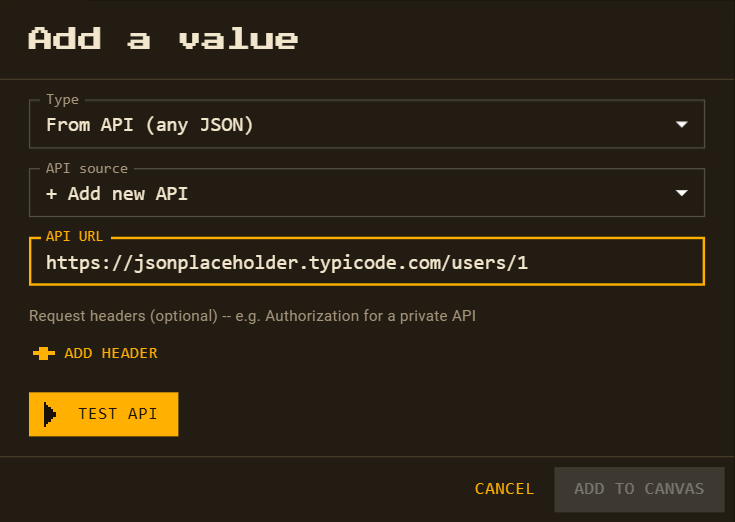
-
Test the API
Press Test API. The answer appears as a tree:
name,email,address.city,company.name…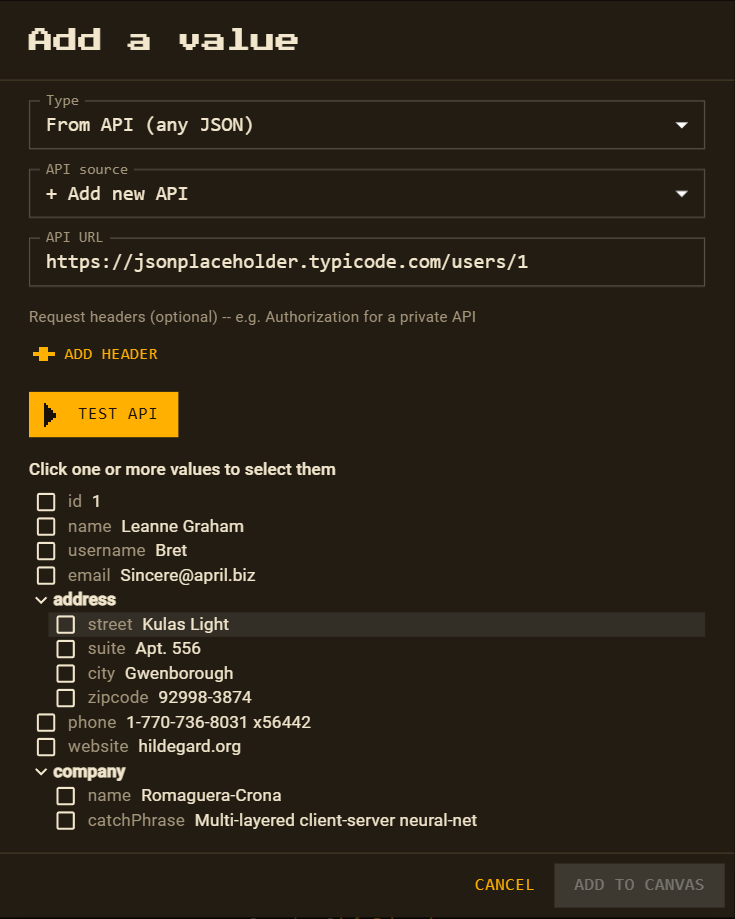
-
Pick fields and add them
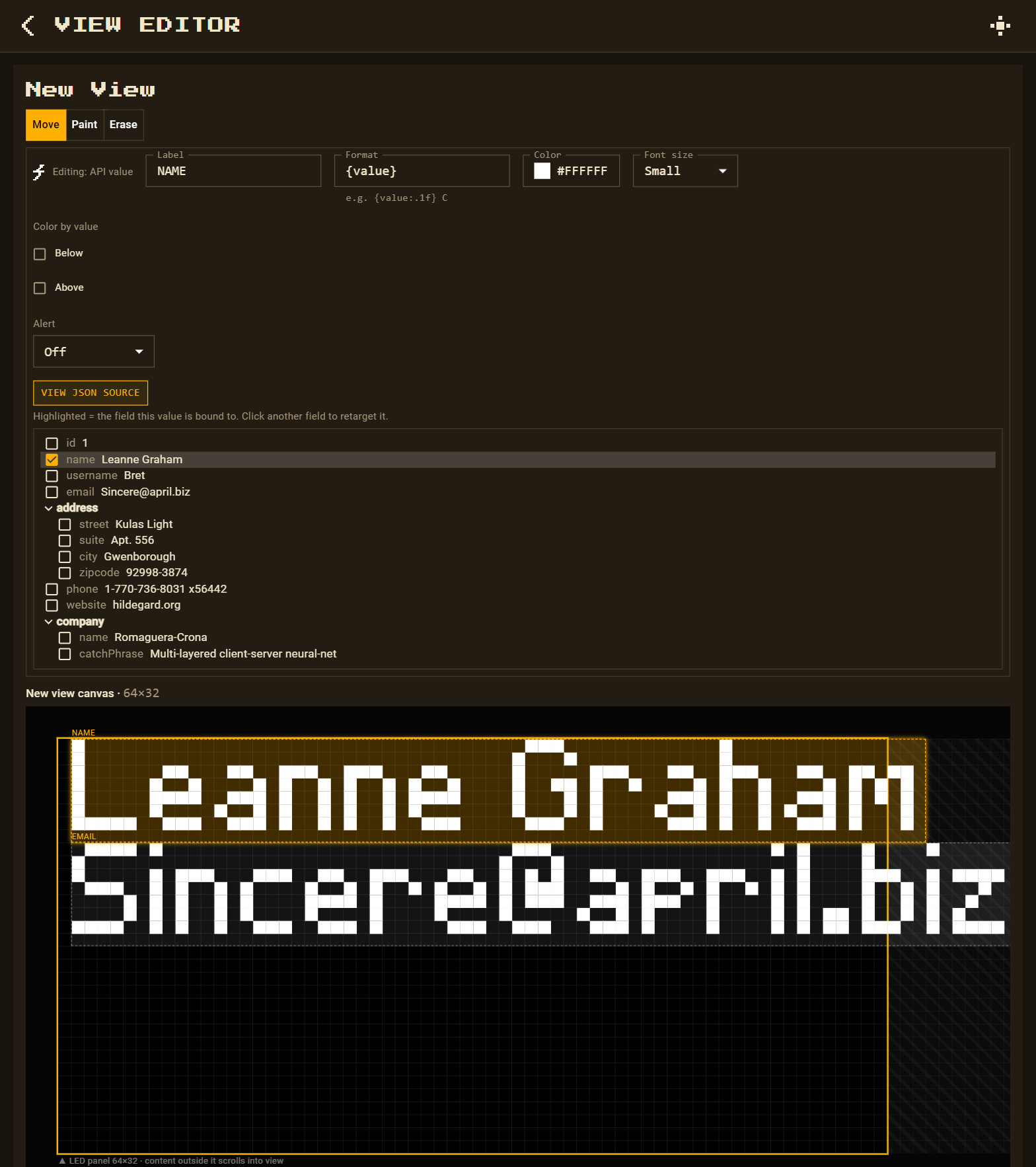
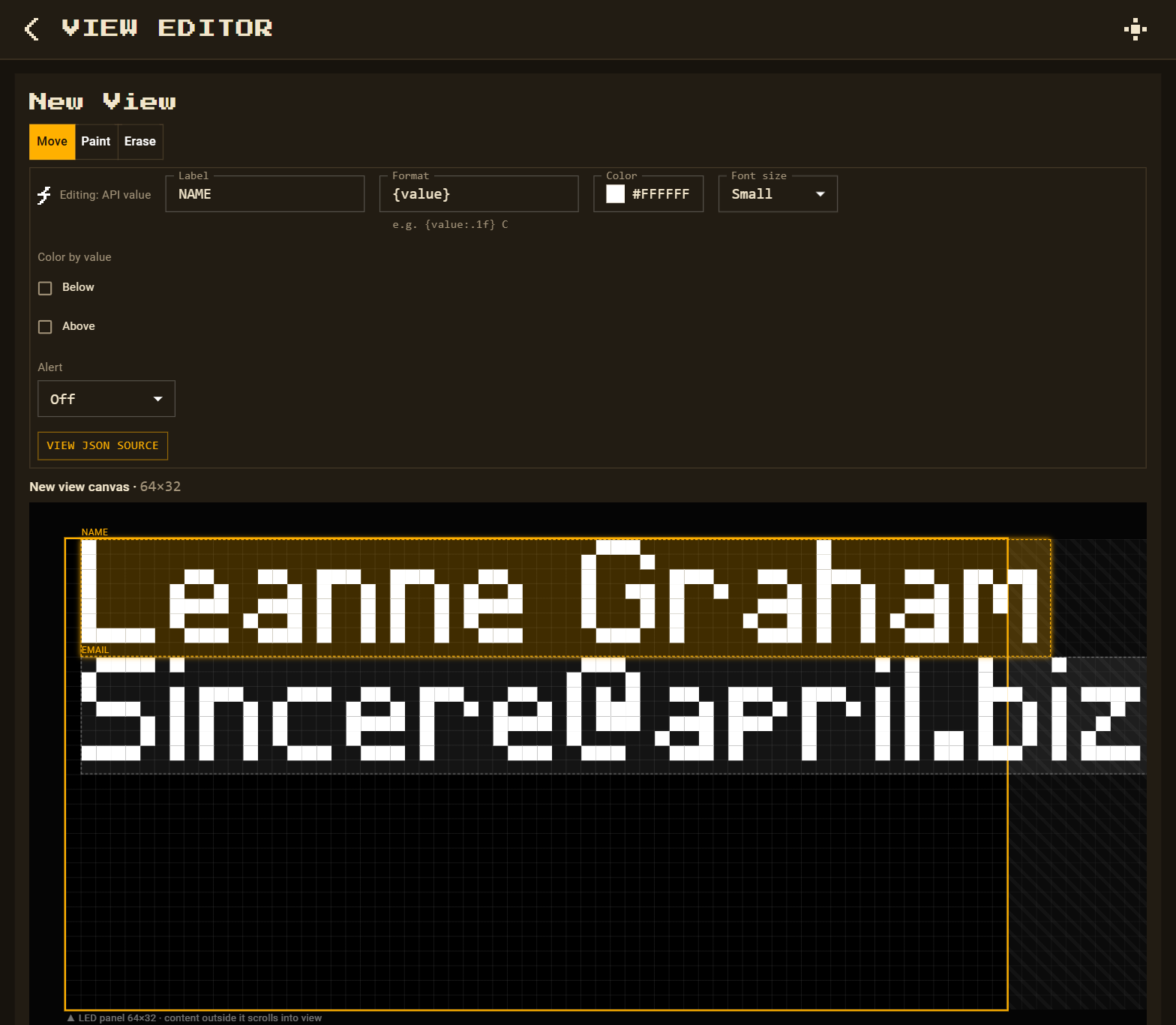
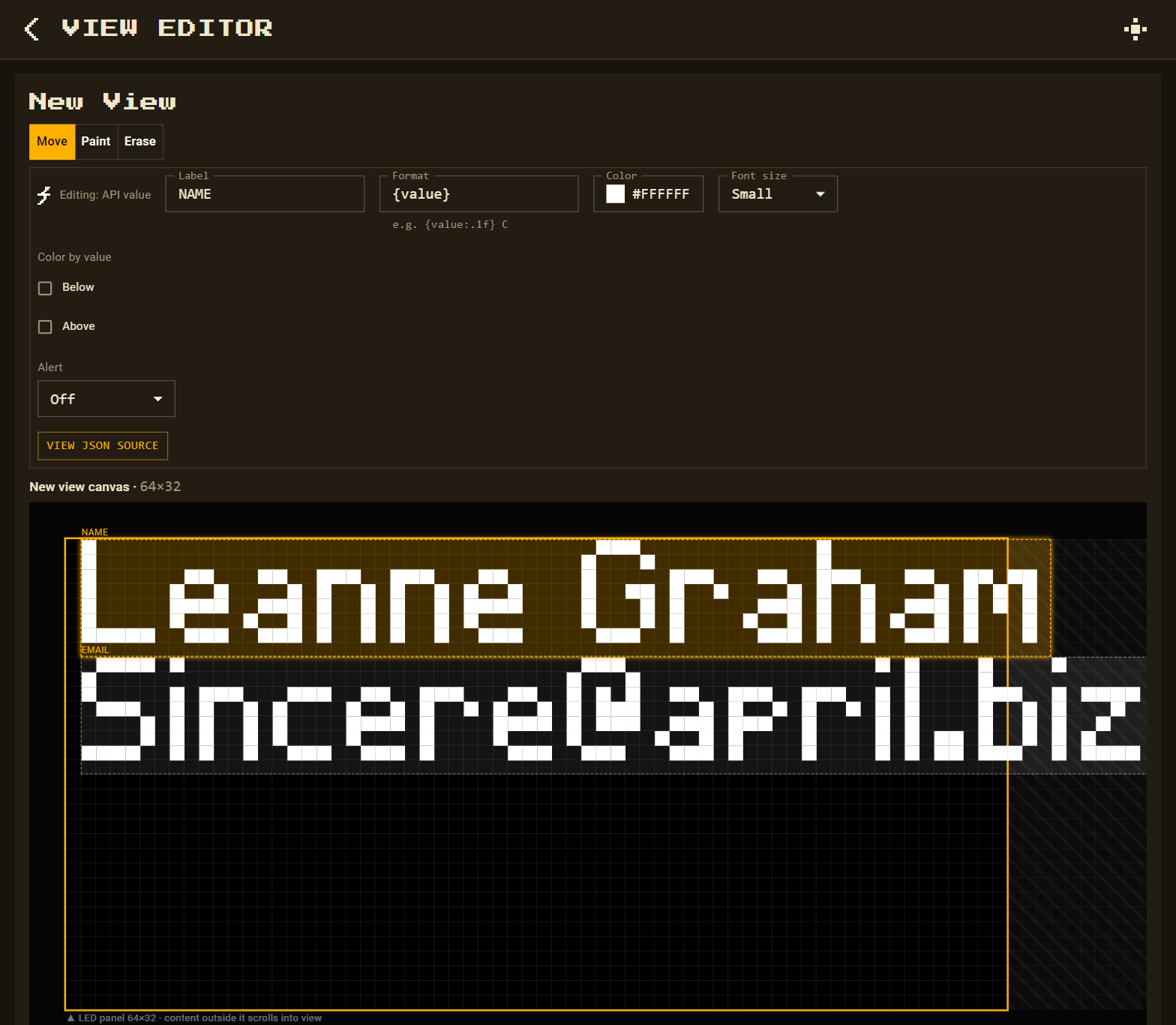
Tick one or more fields, then Add to Canvas. Each becomes a value with its own label, format, colour and size.
-
Format, place and save
Drag each value into place. Use a format like
{value:.1f},{value:k}(12K, 1.6M) orPing {value} ms. A second value from the same address doesn't need another test — pick the saved source from the list. Then Save.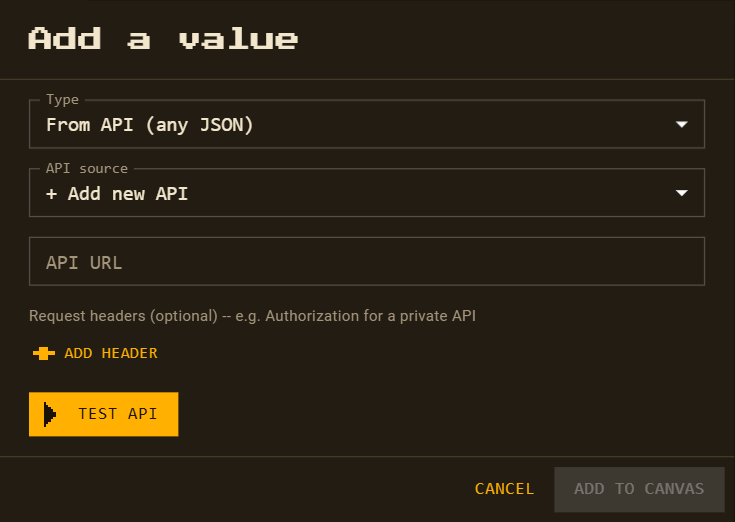
Check what a value reads
Select any value and press View JSON source to see the full answer with its field highlighted — click another field to switch to it.